Binary Code Alphabet for Text to Binary Examples
Binary Code Learning Guide
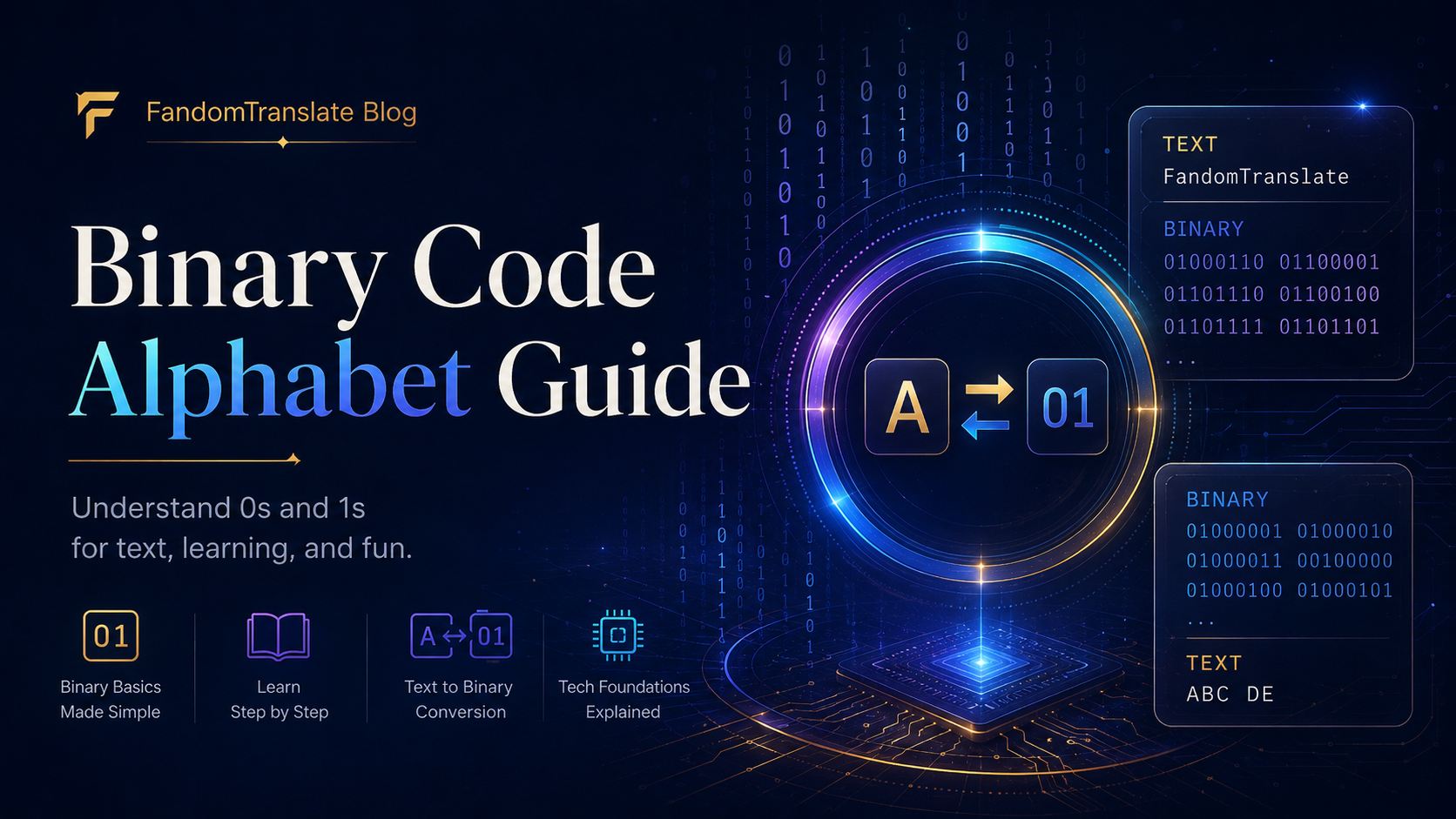
The binary code alphabet is a way to represent letters using only two symbols: 0 and 1. In common text encoding, each uppercase letter can be written as an 8-bit ASCII binary pattern, such as A = 01000001 and B = 01000010.
This guide gives you a complete binary alphabet chart, number examples, text to binary examples, and simple decoding tips. You will also learn why spaces between 8-bit groups matter and why uppercase and lowercase letters do not always produce the same binary code.
For faster practice, the Binary Translator can convert text to binary, decode binary to text, copy clean 0s and 1s, and help you check your examples.
Binary code uses 0s and 1s to represent information. For text, letters are commonly shown in 8-bit ASCII binary, where each character has its own binary pattern. For example, uppercase A is 01000001. You can encode text into binary, decode binary back to text, or practice using examples and byte groups.
Basics
What Is the Binary Code Alphabet?
The binary code alphabet is a chart that matches letters to binary patterns. In beginner-friendly text examples, the most common format is 8-bit ASCII binary.
ASCII gives each character a number. That number can then be written in binary. For example, uppercase A has the ASCII value 65. The number 65 in 8-bit binary is 01000001, so uppercase A is written as 01000001.
This is why binary alphabet charts usually show letters as groups of eight digits.
0s and 1s
How Binary Uses 0s and 1s
Binary is a base-2 number system. It uses only two digits: 0 and 1.
Computers use binary because electronic states can be represented as off and on, false and true, or 0 and 1. When binary is used for text, each letter is stored as a pattern of bits.
Bit
A single binary digit is called a bit. It can be 0 or 1.
Byte
A group of 8 bits is called a byte. In ASCII text, one byte often represents one character.
| Text | 8-bit Binary |
|---|---|
| A | 01000001 |
| B | 01000010 |
| C | 01000011 |
8-bit Text
What Does 8-Bit Binary Mean?
8-bit binary means the binary code is written in groups of eight 0s and 1s. For text examples, each letter, number, or symbol is usually shown as one 8-bit group.
| Plain Text | Binary |
|---|---|
| HI | 01001000 01001001 |
In this example, 01001000 = H and 01001001 = I. The space between the two binary groups helps you see where one character ends and the next begins.
ASCII
How ASCII Connects Letters to Binary
ASCII stands for American Standard Code for Information Interchange. It is a character encoding system that assigns numbers to letters, digits, punctuation marks, and control characters.
| Character | ASCII Value | 8-bit Binary |
|---|---|---|
| A | 65 | 01000001 |
| B | 66 | 01000010 |
| C | 67 | 01000011 |
| 1 | 49 | 00110001 |
| 2 | 50 | 00110010 |
The binary code alphabet in this guide uses uppercase ASCII letters from A to Z.
Alphabet Chart
Binary Code Alphabet Chart A to Z
Use this binary code alphabet chart for uppercase English letters. These are 8-bit ASCII binary values.
| Letter | 8-bit Binary | Simple Note |
|---|---|---|
| A | 01000001 | Starts the uppercase alphabet |
| B | 01000010 | One step after A |
| C | 01000011 | Useful in CODE |
| D | 01000100 | Common in words like DATA |
| E | 01000101 | Common vowel |
| F | 01000110 | Used in FANDOM |
| G | 01000111 | Used in GAME |
| H | 01001000 | Used in HI and HELLO |
| I | 01001001 | Common vowel |
| J | 01001010 | Uppercase J |
| K | 01001011 | Uppercase K |
| L | 01001100 | Used in LOVE and HELLO |
| M | 01001101 | Used in MESSAGE |
| N | 01001110 | Used in NO and BINARY |
| O | 01001111 | Used in CODE and LOVE |
| P | 01010000 | Uppercase P |
| Q | 01010001 | Uppercase Q |
| R | 01010010 | Used in SECRET |
| S | 01010011 | Used in YES and SECRET |
| T | 01010100 | Used in TRANSLATE |
| U | 01010101 | Uppercase U |
| V | 01010110 | Used in LOVE |
| W | 01010111 | Uppercase W |
| X | 01011000 | Uppercase X |
| Y | 01011001 | Used in YES and BINARY |
| Z | 01011010 | Final uppercase letter |
Digit Characters
Binary Code Numbers 0 to 9
These are not mathematical binary values like 1, 10, or 11. These are ASCII binary codes for digit characters used in text. For example, the text character 1 is stored as 00110001, not simply 1.
| Character | 8-bit Binary | Pattern Note |
|---|---|---|
| 0 | 00110000 | ASCII digit zero |
| 1 | 00110001 | ASCII digit one |
| 2 | 00110010 | ASCII digit two |
| 3 | 00110011 | ASCII digit three |
| 4 | 00110100 | ASCII digit four |
| 5 | 00110101 | ASCII digit five |
| 6 | 00110110 | ASCII digit six |
| 7 | 00110111 | ASCII digit seven |
| 8 | 00111000 | ASCII digit eight |
| 9 | 00111001 | ASCII digit nine |
Examples
Text to Binary Examples
Use these examples to see how words become 8-bit ASCII binary. Each byte is separated by a space.
| Plain Text | Binary Code | Best Use | Note |
|---|---|---|---|
| A | 01000001 | Single-letter practice | Uppercase A |
| B | 01000010 | Single-letter practice | Uppercase B |
| HI | 01001000 01001001 | First word practice | Two bytes |
| HELLO | 01001000 01000101 01001100 01001100 01001111 | Greeting example | Common beginner word |
| LOVE | 01001100 01001111 01010110 01000101 | Message practice | Four letters |
| YES | 01011001 01000101 01010011 | Puzzle clue | Short answer |
| NO | 01001110 01001111 | Puzzle clue | Two letters |
| CODE | 01000011 01001111 01000100 01000101 | Coding example | Easy to decode |
| GAME | 01000111 01000001 01001101 01000101 | Gaming clue | Good for game puzzles |
| SECRET | 01010011 01000101 01000011 01010010 01000101 01010100 | Escape room clue | Looks hidden but is encoding |
| MESSAGE | 01001101 01000101 01010011 01010011 01000001 01000111 01000101 | Practice phrase | Seven bytes |
| BINARY | 01000010 01001001 01001110 01000001 01010010 01011001 | Topic example | Useful for lessons |
| FANDOM | 01000110 01000001 01001110 01000100 01001111 01001101 | Website-themed example | Six bytes |
| TRANSLATE | 01010100 01010010 01000001 01001110 01010011 01001100 01000001 01010100 01000101 | Longer practice | Nine bytes |
| 123 | 00110001 00110010 00110011 | Number text example | ASCII digit characters |
Manual Conversion
How to Convert Text to Binary
To convert text to binary manually:
- Choose the text you want to convert.
- Split it into individual characters.
- Find each character’s ASCII value.
- Convert each ASCII value into 8-bit binary.
- Keep spaces between each 8-bit group.
| Letter | 8-bit Binary |
|---|---|
| C | 01000011 |
| A | 01000001 |
| T | 01010100 |
So CAT = 01000011 01000001 01010100. For longer words or paragraphs, a binary code translator is faster and helps avoid spacing mistakes.
Decoding
How to Decode Binary to Text
To decode binary back to text:
- Split the binary into 8-bit groups.
- Decode each group as one ASCII character.
- Write the letters in order.
- Check for spaces, punctuation, uppercase letters, and lowercase letters.
| Binary Group | Character |
|---|---|
| 01001000 | H |
| 01001001 | I |
The decoded text is HI. If the binary string does not divide cleanly into 8-bit groups, it may be incomplete, incorrectly spaced, or not meant to be readable ASCII text.
Spacing
Why Spaces Between Binary Bytes Matter
Spaces make binary easier to read and decode. Both examples below can represent HI, but the spaced version is much easier for beginners.
| Version | Example |
|---|---|
| With spaces | 01001000 01001001 |
| Without spaces | 0100100001001001 |
For learning, worksheets, puzzles, and classroom examples, keep one space between each 8-bit group.
Letter Case
Uppercase and Lowercase Letters Are Different
Uppercase and lowercase letters have different ASCII binary codes. That means HELLO and hello do not produce the same binary output.
| Text or Character | Binary |
|---|---|
| A | 01000001 |
| a | 01100001 |
| HELLO | 01001000 01000101 01001100 01001100 01001111 |
| hello | 01101000 01100101 01101100 01101100 01101111 |
When practicing binary code letters, decide whether you are using uppercase or lowercase before converting.
Practice
Binary Code Examples for Practice
Single-letter practice
Start with one letter at a time: A = 01000001, B = 01000010, C = 01000011.
Short word practice
Try short words before long sentences, such as HI, YES, NO, and CODE.
Puzzle message practice
Binary can be used in classroom puzzles, escape rooms, scavenger hunts, game clues, and worksheets.
Example clue: 01010011 01000101 01000011 01010010 01000101 01010100. Decoded answer: SECRET. Binary looks mysterious, but it is encoding, not secure encryption.
Mistakes
Common Mistakes With Binary Code
| Mistake | Why It Happens | Better Approach |
|---|---|---|
| Confusing mathematical binary with text binary | Beginners see binary numbers and assume text works the same way | Remember that text binary usually uses character encoding such as ASCII |
| Removing spaces between bytes | People copy long binary strings without separators | Keep one space between each 8-bit group while learning |
| Mixing uppercase and lowercase | ASCII gives uppercase and lowercase different values | Check the exact letter case before converting |
| Expecting every binary string to be readable text | Not all binary represents English letters | Confirm the binary uses text encoding like ASCII |
| Using the wrong character encoding | Some symbols and non-English characters may use different encodings | Use ASCII for basic English letters and digits |
| Typing incomplete 8-bit groups | A missing 0 or 1 breaks the byte | Count every group and make sure it has 8 digits |
| Confusing binary with Morse code | Both can look like code systems | Binary uses 0s and 1s; Morse uses dots and dashes |
| Assuming binary is secure encryption | Binary can hide text from casual readers, but it is easy to decode | Treat binary as encoding, not security |
| Starting with long paragraphs | Long strings are hard to check manually | Practice with short words like HI, YES, NO, and CODE first |
Learning Tips
Tips for Learning Binary Code Faster
Start with single letters before full words.
Learn that text binary often uses 8-bit groups.
Keep spaces between bytes while practicing.
Practice simple words like HI, YES, NO, and CODE.
Compare uppercase and lowercase letters to see how ASCII changes.
Decode your own examples after encoding them.
Use short messages before converting long paragraphs.
Use the Binary Translator to check your work.
Main Tool
When to Use the Binary Translator
Use the Binary Translator when you want to convert text to binary or decode binary to text without checking every byte by hand.
Convert and decode faster
Convert English to binary quickly or decode binary back into readable text.
Avoid spacing mistakes
Copy clean binary output, practice with examples, and check whether your manually decoded answer is correct.
This article helps you understand the binary code alphabet. The translator helps you do the conversion faster.
Related Tools
Related Translator Links
Binary Translator
Convert text to binary and binary to text quickly.
Morse Code Translator
Create or decode dot-and-dash messages.
Symbol Translator
Turn normal text into symbol-style text.
Wingdings Translator
Convert text into Wingdings-style symbols.
Upside Down Text Translator
Flip text for fun messages and social posts.
Codes & Symbols Translators
Explore more code, symbol, and text conversion tools.
FAQs
FAQs
What is the binary code alphabet?
The binary code alphabet is a chart that shows how letters are represented using 0s and 1s. In common beginner examples, uppercase letters are shown as 8-bit ASCII binary codes.
How does binary represent letters?
Binary represents letters by using a character encoding system such as ASCII. Each letter has a number, and that number can be written as an 8-bit binary pattern.
What is 8-bit binary?
8-bit binary is a group of eight 0s and 1s. In ASCII text examples, each letter, digit, or basic symbol is usually represented by one 8-bit group.
What is the binary code for A?
The 8-bit ASCII binary code for uppercase A is 01000001.
What is HELLO in binary?
HELLO in uppercase 8-bit ASCII binary is 01001000 01000101 01001100 01001100 01001111. Each group represents one letter.
Are uppercase and lowercase letters different in binary?
Yes. Uppercase and lowercase letters have different ASCII values. For example, uppercase A is 01000001, while lowercase a is 01100001.
How do you separate binary letters?
Separate binary letters by placing a space after every 8-bit group. For example, HI is written as 01001000 01001001.
Is binary code the same as Morse code?
No. Binary code uses 0s and 1s, while Morse code uses dots and dashes. Both can represent messages, but they are different systems.
Is binary code encryption?
No. Binary is encoding, not secure encryption. It can make text look hidden to beginners, but anyone with a binary decoder can convert it back to readable text.
Can I decode binary back to text?
Yes. Split the binary into 8-bit groups, match each group to its ASCII character, and read the characters in order. You can also use a binary decoder or translator for faster decoding.
Practice Binary Text Conversion
Try the Binary Translator to encode text, decode binary, copy clean output, and practice binary examples without counting every byte manually.
Try the Binary Translator →